Study modes
Open a deck and choose among its available study actions. The app may offer Learn new, Practice due, Quiz, and Study modes. Student assignments can also provide mixed or cross-deck study. The exact controls depend on the deck and activity selected.
Learn new cards
- Choose Learn new to start with cards you have not studied.
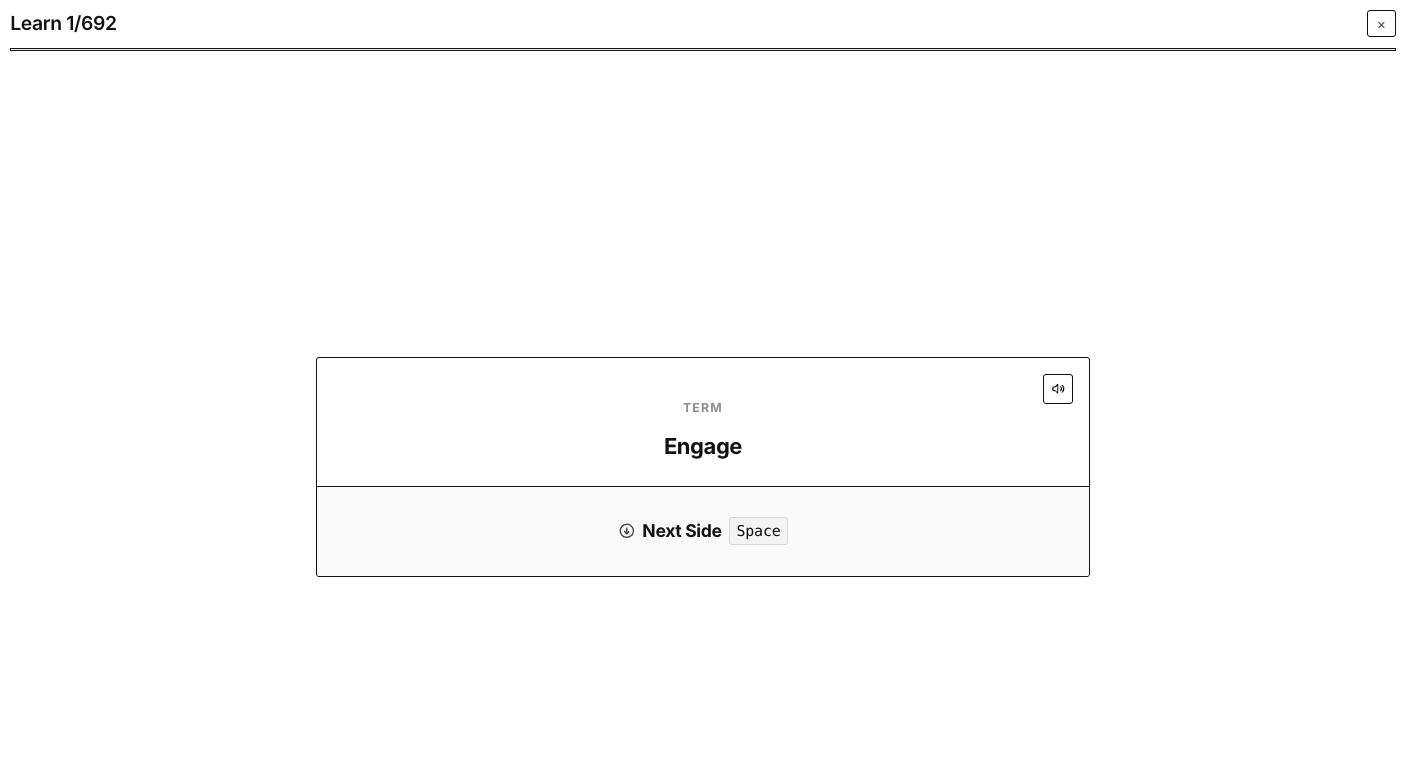
- Read the prompt and try to remember the answer before revealing the back.
- Reveal the answer and compare it with what you recalled.
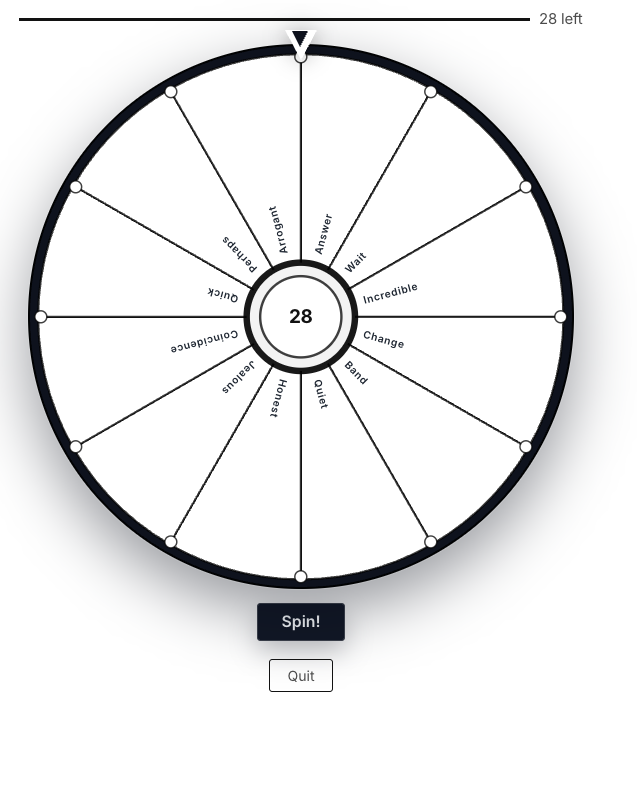
- Use the displayed rating or activity control to continue. Some decks offer a wheel/spin interaction or other study activity.
- Repeat with each new card, then use Practice due later to revisit scheduled cards.
Practice due cards
- Choose Practice due or open the due queue for the deck.
- Read the front of each card and attempt recall before revealing the answer.
- Reveal the back and select the rating that best matches your recall.
- Continue through the queue. Your response updates the next review timing when spaced repetition is enabled.
- Retry difficult cards until you can recall them without reading the back first.
Quiz and mixed study
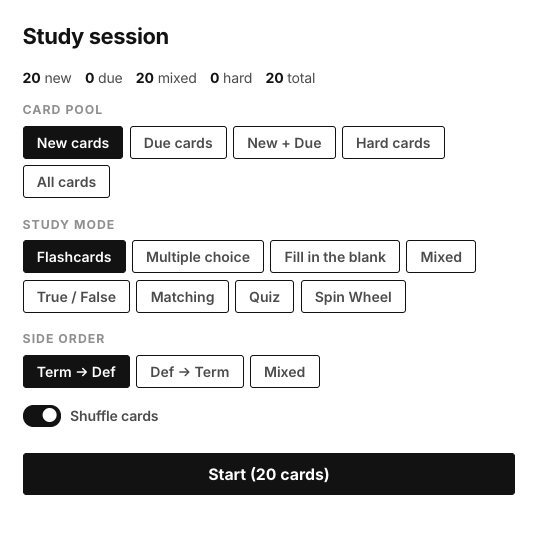
- Choose Quiz to test recall using the quiz flow, or select Study for the activity options available to that deck.
- If prompted, choose the card pool, exercise type, and answer order.
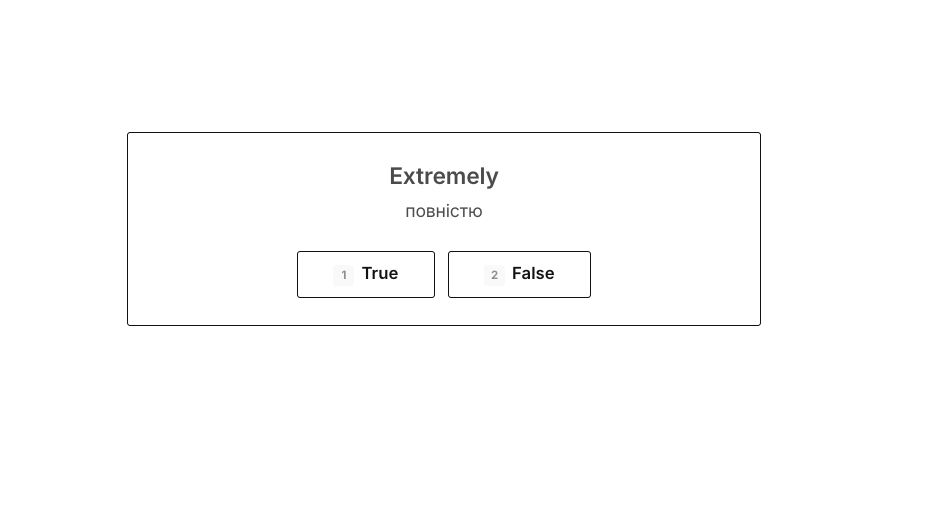
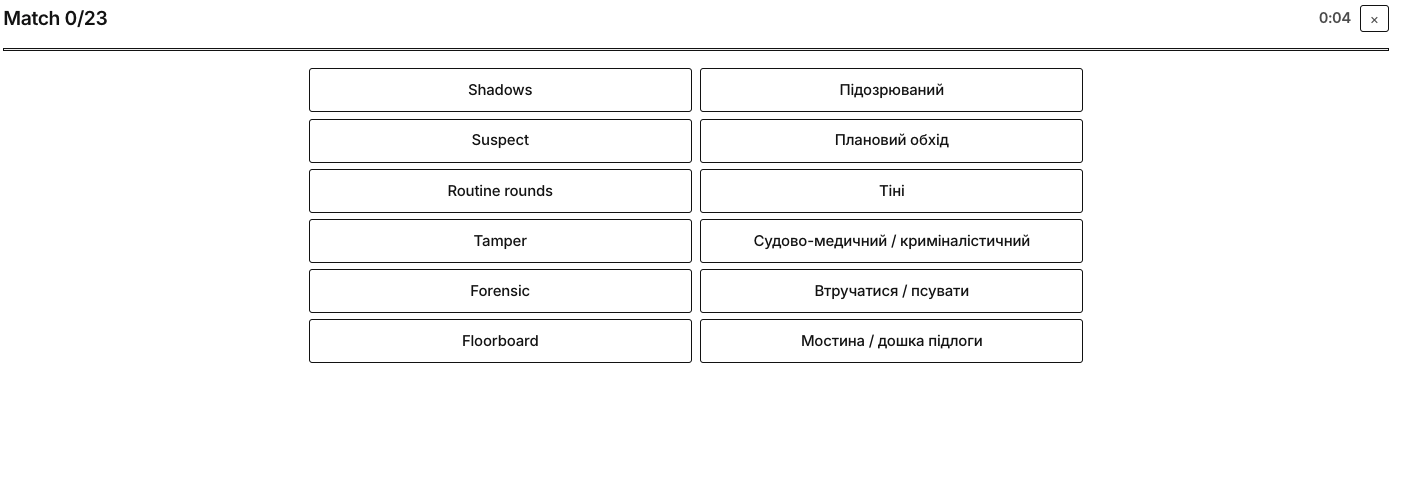
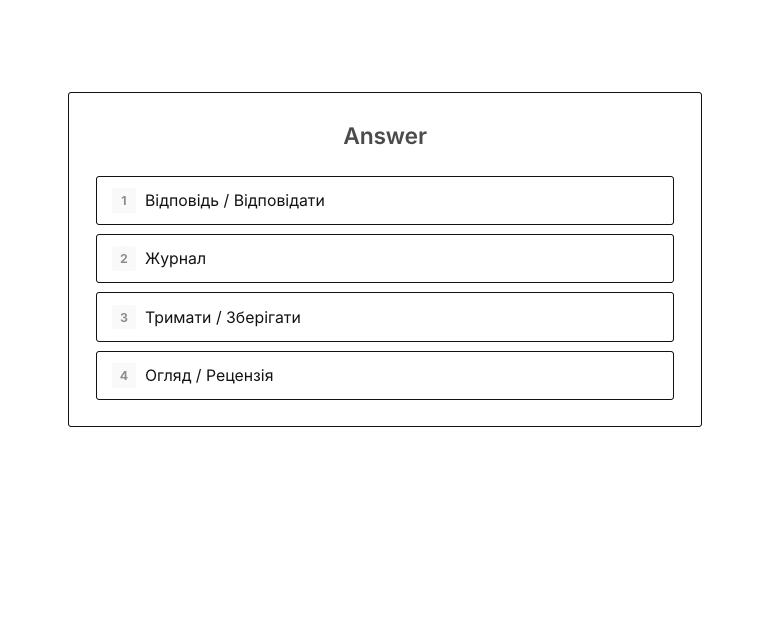
- Answer each prompt before checking the result. In matching activities, pair the related terms; in true/false or multiple choice, select your response and review the feedback.
- Finish the session and review missed terms before closing.
- Assigned students may also use mixed practice across the assigned deck; open that activity from the assignment so progress stays associated with the assigned work.