Groups
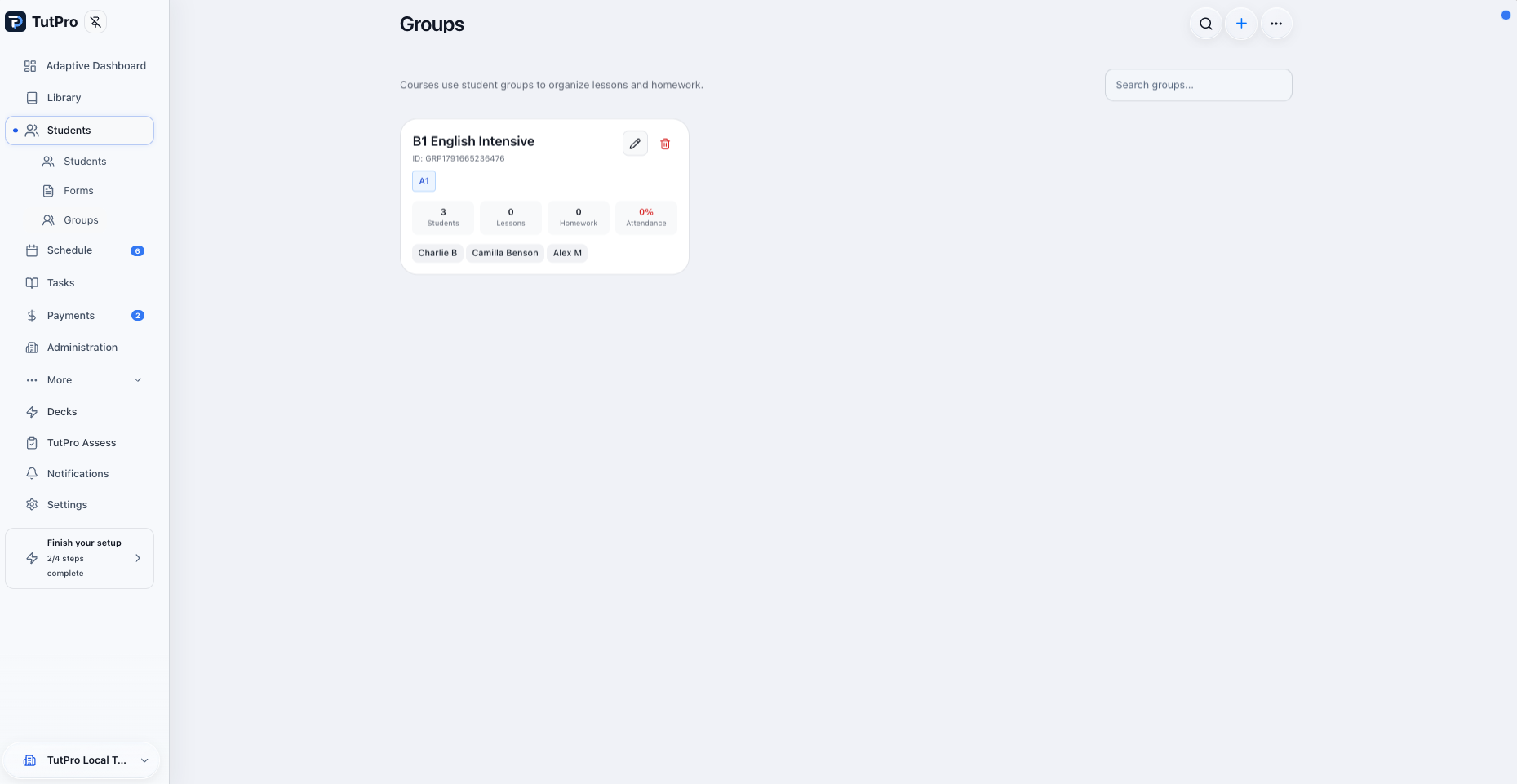
Open Students → Groups to manage teaching groups. A group is a shared planning and assignment target; its members keep separate student profiles and private records.
Create a group
- Choose Add group and enter a recognizable name.
- Select the students who should belong to it.
- Review the selected roster, then save.
- Open the group details to check membership and related lessons or homework.
Update membership
Open the group and edit its roster. Before removing a student, review upcoming group lessons and assignments so they are not left pointing to an outdated group. Membership changes do not merge histories.
Schedule and teach a group lesson
From the Schedule page, choose Add group lesson, then select the group and lesson details. Record attendance for each participant after the session. Payment or grading controls may be per student, so review the generated participant records.
Assign group homework
Choose the group as the assignment target, set instructions and dates, and preview the assignment. Review submissions and grades per learner in the homework or grading detail.