Students
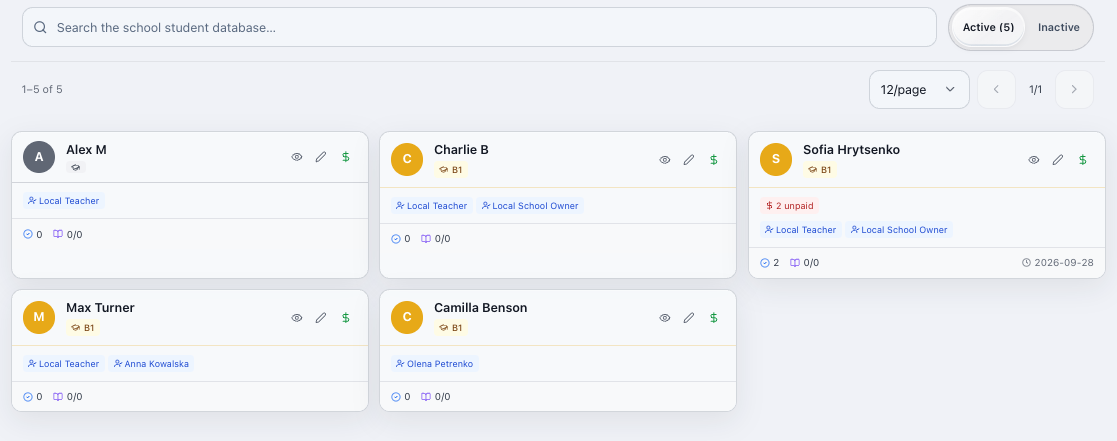
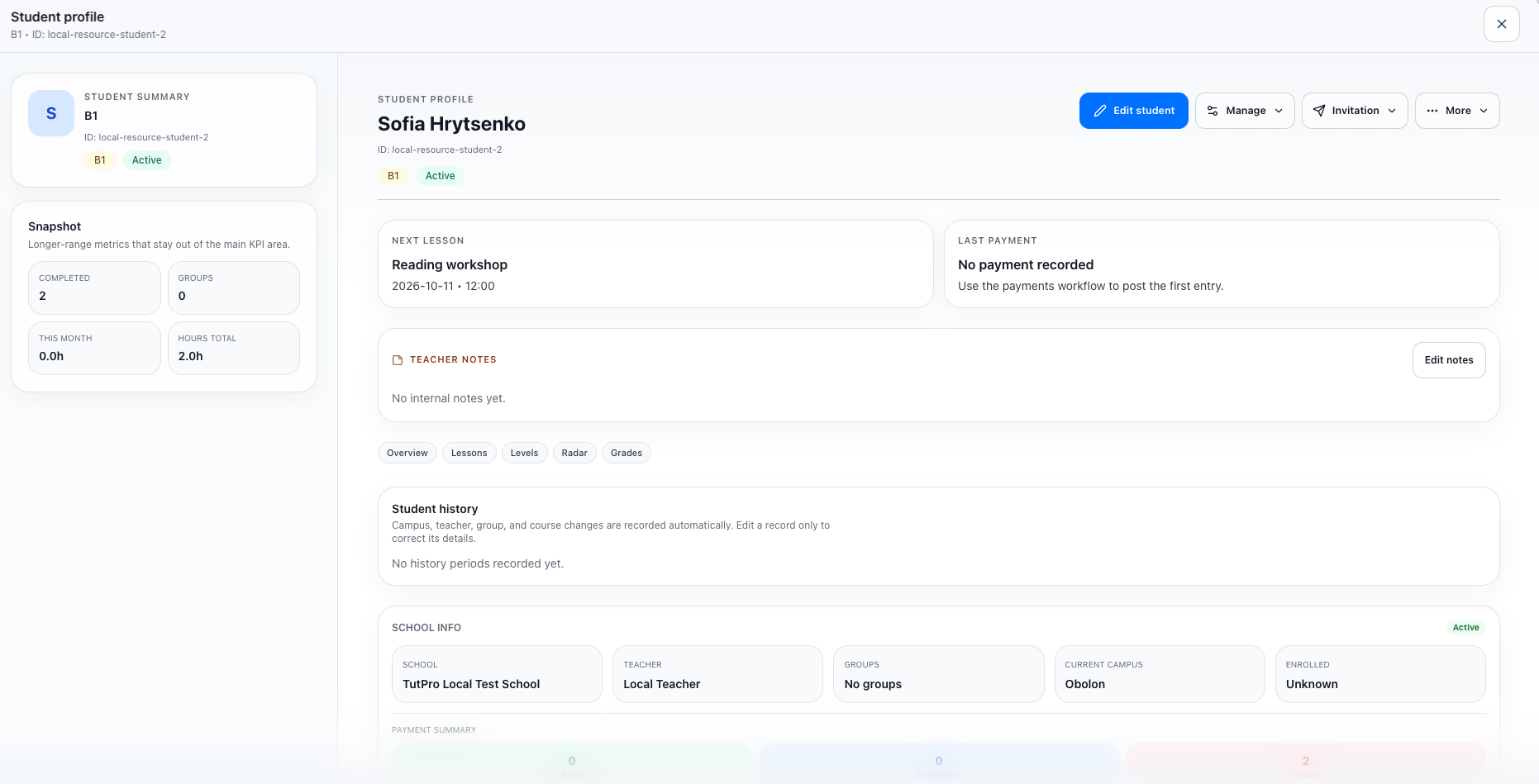
The Students area is the starting point for learner profiles, contacts, availability, pricing context, notes, and group membership.
Add a student
- Open Students and choose + → Add student.
- Enter the student’s name and the details needed for your workflow.
- Save the record, then open its profile to add optional contact details, availability, notes, and preferences.
Keep private notes appropriate to the workspace and its authorized staff. School record visibility and edit access follow the user’s role and campus assignment.