Schedule overview
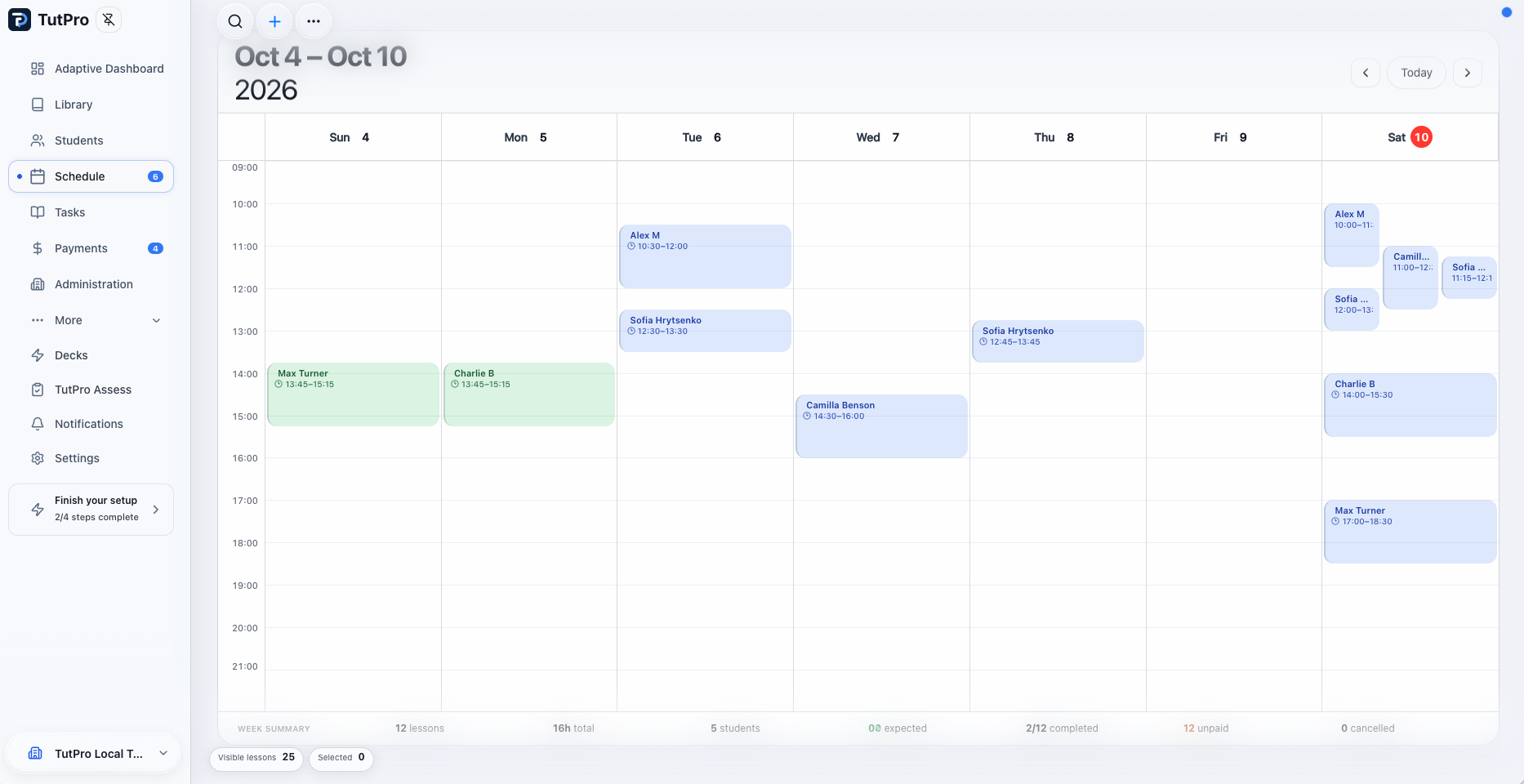
The Schedule tab brings upcoming lessons into one calendar. Use it to review a day or week, open an existing lesson, create a new entry, or adjust a time when plans change.
Create or update a lesson
- Create a schedule entry — add a lesson, choose its participants and time, and save the details.
- Edit or reschedule — update lesson details, move a lesson, or review scheduling conflicts.
Keep the calendar useful
Use consistent lesson titles and participant assignments so the calendar is easy to scan. Recheck the date, time, and student or group before saving changes. For school-wide scheduling and shared resources, see Schedule and resources.