Team Inbox
Open Inbox to review tasks or requests assigned to your account. Filter by status or due date, open the item for context, and update its status when you have completed the requested action.
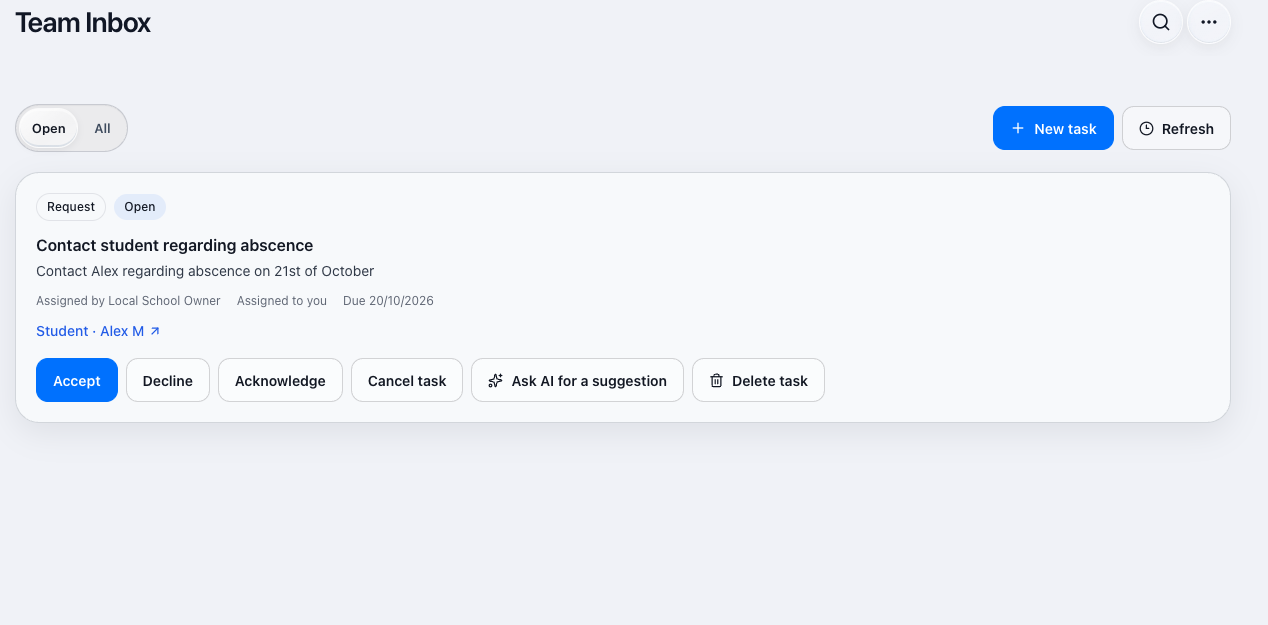
A task may remain visible even if you cannot open its linked student or schedule record. Task visibility and linked-record access are separate permission checks. Ask the record owner or administrator to grant the appropriate access if you need the record to do the work.
Before closing a task, add a clear note or result if the workflow supports it. Use the inbox item’s due date and owner to coordinate handoff rather than creating a duplicate task.