Grading
Open Grading from the workspace navigation or More. Use the gradebook matrix to compare learner progress or the queue to work through items awaiting a decision.
Find work to grade
Filter by student, item type, or grading status. Search for a specific learner or assignment. Open the selected row to read its source lesson or homework and any submission.
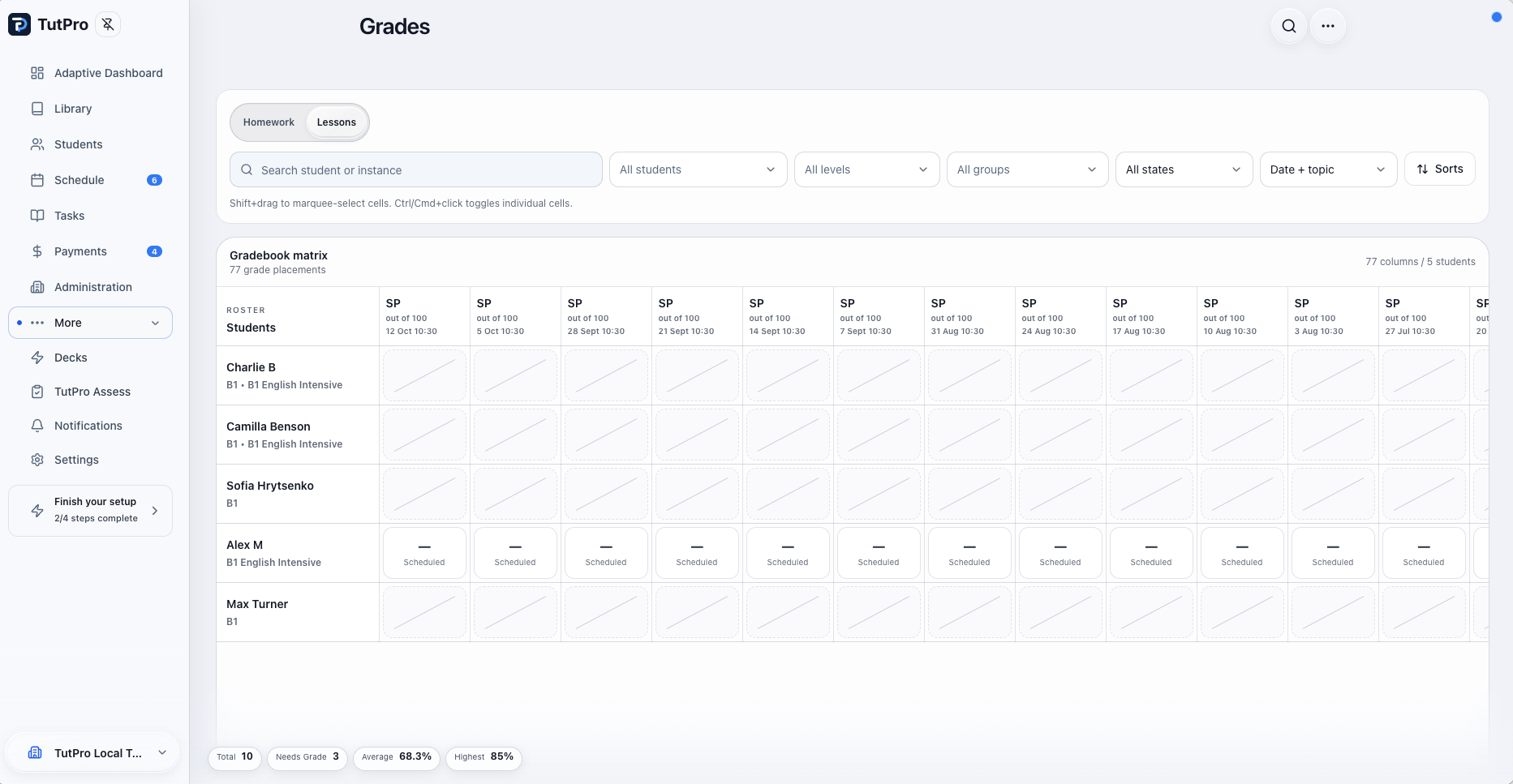
Record a grade
Enter a score and verify it is within the displayed maximum. Add feedback and save. For items that cannot be graded with a numeric score, use the ungradeable control where available and explain the reason in feedback.
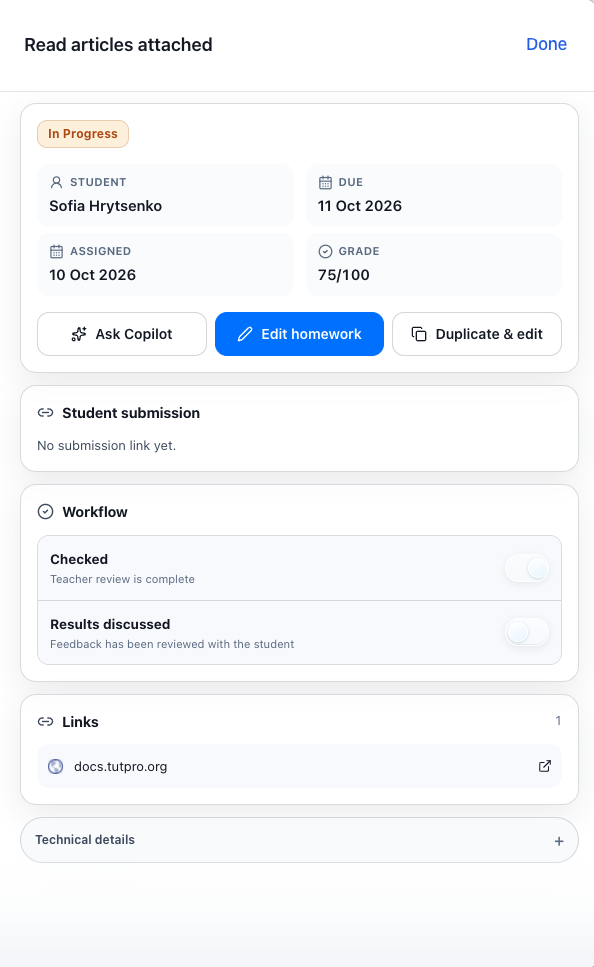
Use bulk grading
Choose the bulk grading action, review the queue and selected students, then enter a consistent score/feedback decision. Confirm the apply step only after checking the selected records. You can resume a saved queue in the same browser when supported.
Check the result
Reopen the learner’s grade or task to confirm the score and feedback were saved. A local draft or open queue is not proof that the update has synced to the remote service.