Invoices and receipts
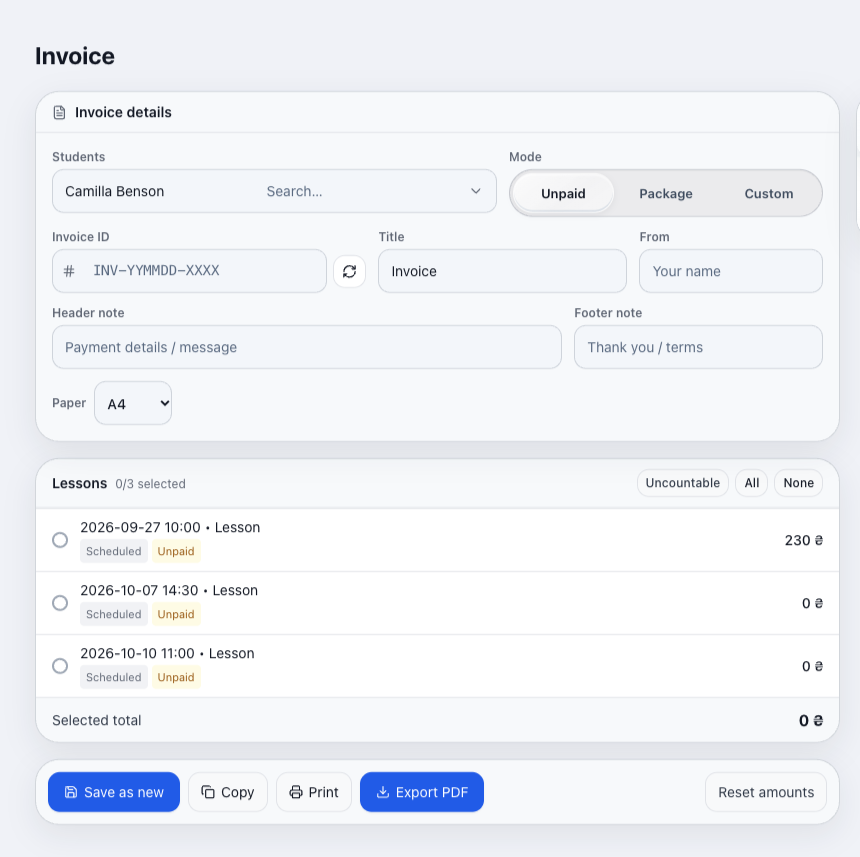
Open Payments → Invoice. Choose the student and the billing items or period you want to include.
Create an invoice
- Choose an invoice mode and select the student or students.
- Select eligible lesson records or enter custom line items.
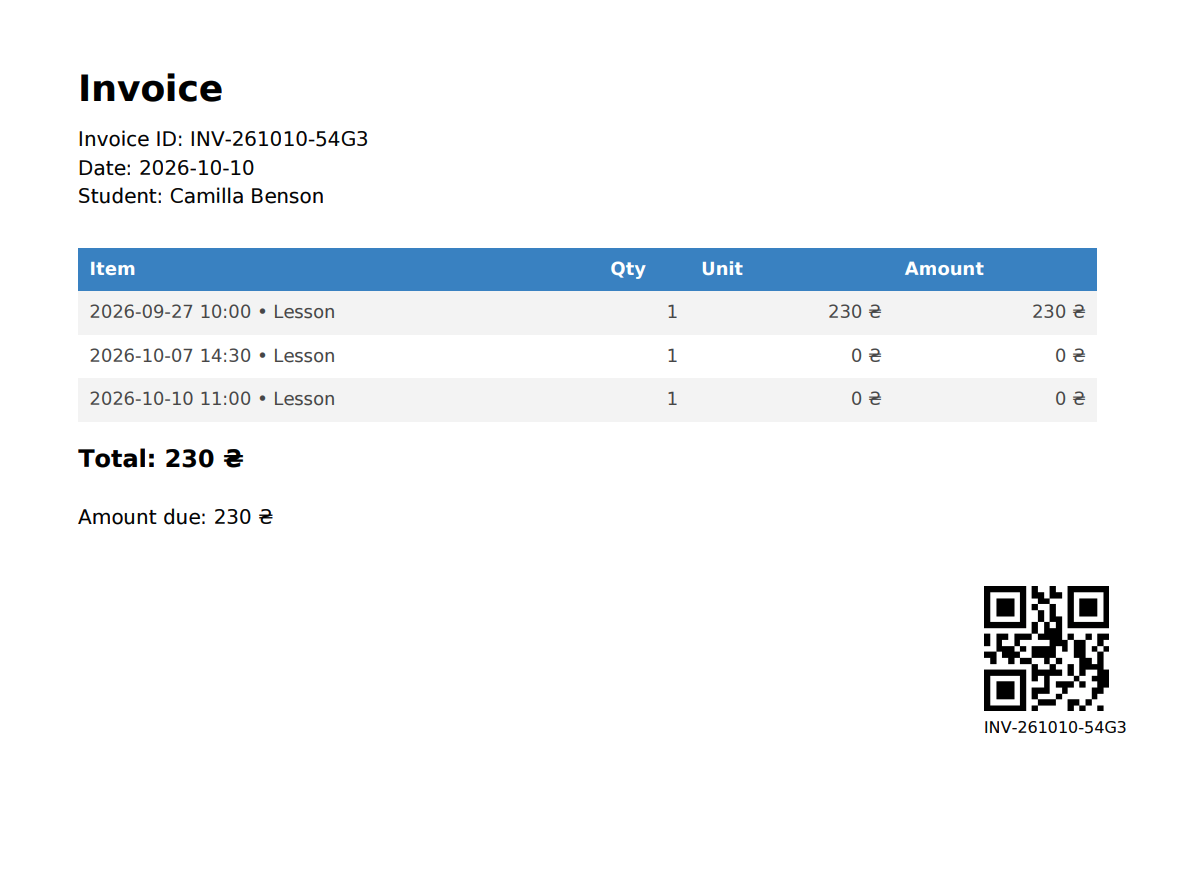
- Review the invoice ID, currency, dates, recipient details, included statuses, and total.
- Preview the document, then create or export it as PDF.
- Find it later in invoice history using search and the date/recipient context.
An invoice records a request for payment; it does not confirm receipt of funds. Update payment status separately when payment arrives. Check amounts against the lesson ledger before sending an invoice outside your organization.
Reopen or correct an invoice
Open the saved invoice and inspect its history before editing. Correct the underlying lesson or payment first when the displayed total is wrong, then regenerate the document where appropriate.