Lesson library
Open Library → Lessons to keep reusable lesson plans and teaching materials. Use a clear title and organize the content so you can find it while preparing a session.
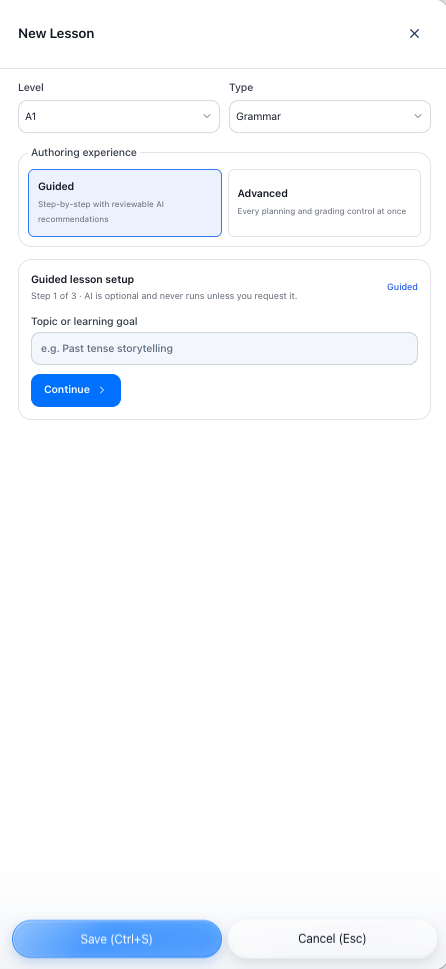
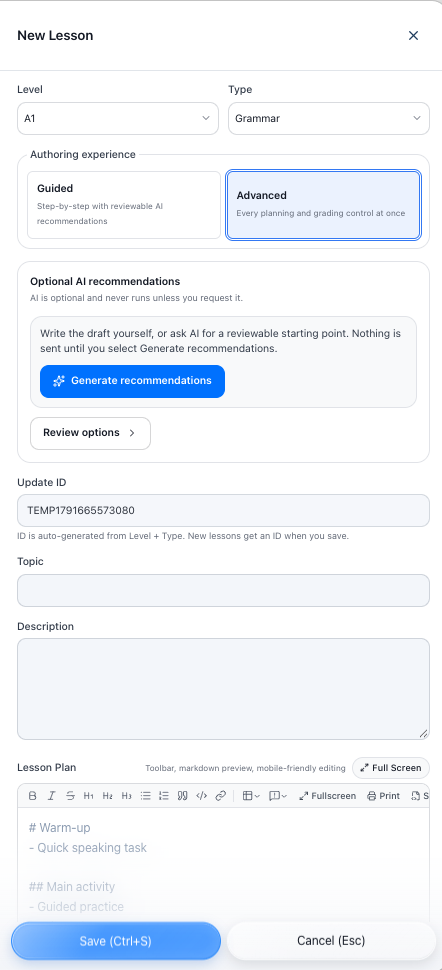
Add a lesson resource
- Choose Add to library and select a lesson/resource type.
- Enter a title and structure the plan with steps, links, notes, and any supporting materials.
- Save and review the preview for formatting and broken links.
Use a resource in a lesson
Open the schedule entry and attach a library item from its learning-material controls. Adapt student-specific details in the lesson or homework draft. Check that the attached material is visible from the lesson before starting class.
Organize and find items
Use search, filters, and grid/list view controls to locate an item. When bulk actions are available, select the intended rows before exporting, copying, assigning, or removing them.