School accounting and pricing
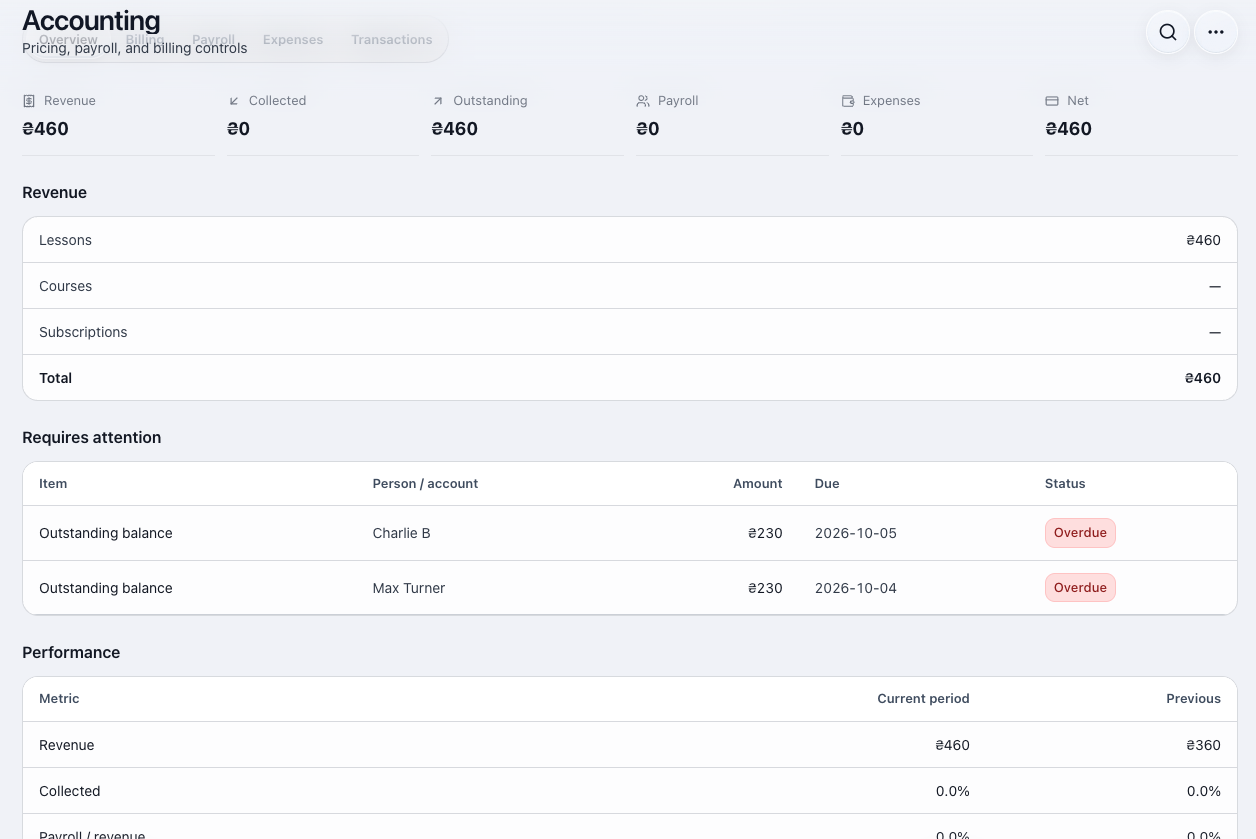
Open Administration → Accounting for school finance settings. The school uses a shared expense ledger; access to student payments and finance actions depends on role and campus scope.
Set pricing defaults
Review school-level lesson prices and any campus overrides. Campus prices inherit school defaults until an authorized owner changes them. Per-student pricing is off by default in school mode; the owner controls whether it is enabled. Check the displayed price when scheduling a lesson.
Review expenses and budgets
Open the shared expense ledger, filter by date, campus, and category, and add a cost with a clear date and description. Review the monthly total and compare it with the selected budget.
Payroll and payouts
When payroll controls are enabled, review the teacher, rate, effective date, and payout period before saving. Compare the payout summary with the lesson records used to calculate it.
Reconcile reports
Open Administration → Reports or the main Reports page, select the date/campus scope, and inspect the source records behind totals. TutPro summaries support operational review; reconcile financial totals with the school’s accounting system.