School reports and KPIs
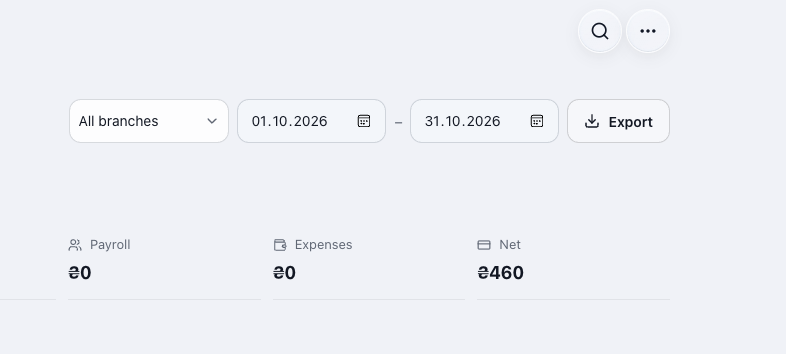
Open Administration → Reports for school-level metrics available to your role. Choose the date range, campus, and teacher scope before comparing results.
Review a metric
Open a KPI to see the relevant source records when that action is available. Check lesson statuses, attendance, assignment history, and recognized payment dates before interpreting changes.
Compare staff or campuses
Use teacher and campus filters to examine workload or lesson delivery. Confirm the sample size and time range are equivalent before making comparisons.
Export a report
Preview the selected scope and totals, then export or print. Keep downloads private and reconcile finance figures with the payment and expense ledgers.