School students and assignments
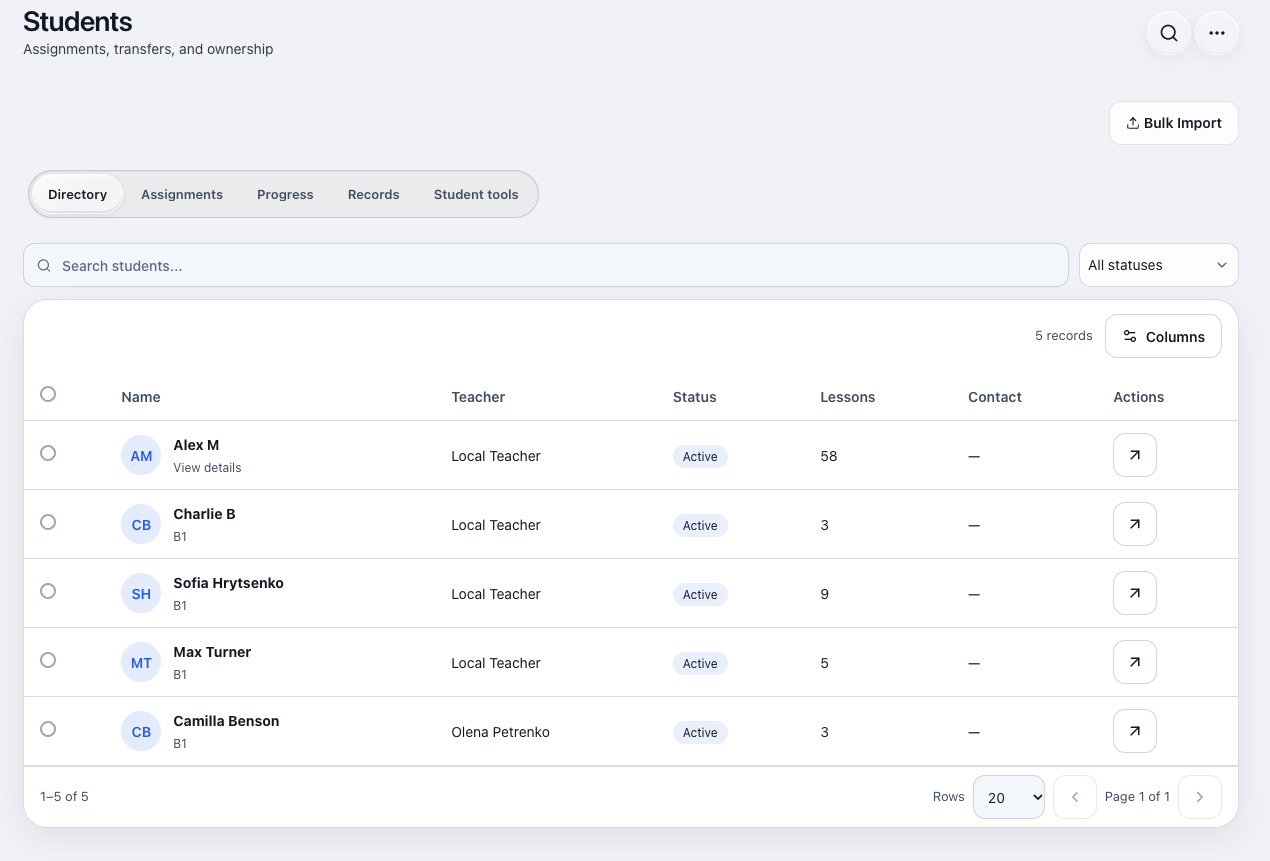
Open Administration → Students to review school student ownership and assignments. Use the regular Students page for everyday profile and teaching work.
Add or assign a student
Create the student record or select an existing student. Choose the responsible teacher and current campus, then review the student’s profile before saving. Student accounts can connect to more than one provider workspace, so confirm the correct school membership.
Change teacher or campus
Open the student’s assignment controls and select the new owner or campus. Review future lessons at the former campus before confirming a move; reschedule affected lessons first. The current campus is the active assignment, and campus history records changes where enabled.
Invite the learner
Issue a Student invitation from the learner’s profile and share it privately. The student accepts with their own TutPro account. Do not send invitation links in public school communications.
Review history
Open the student record to inspect ownership, campus history, and connected activity available to your role. Use reports or the activity history for broader review.