Staff, invitations, and workload
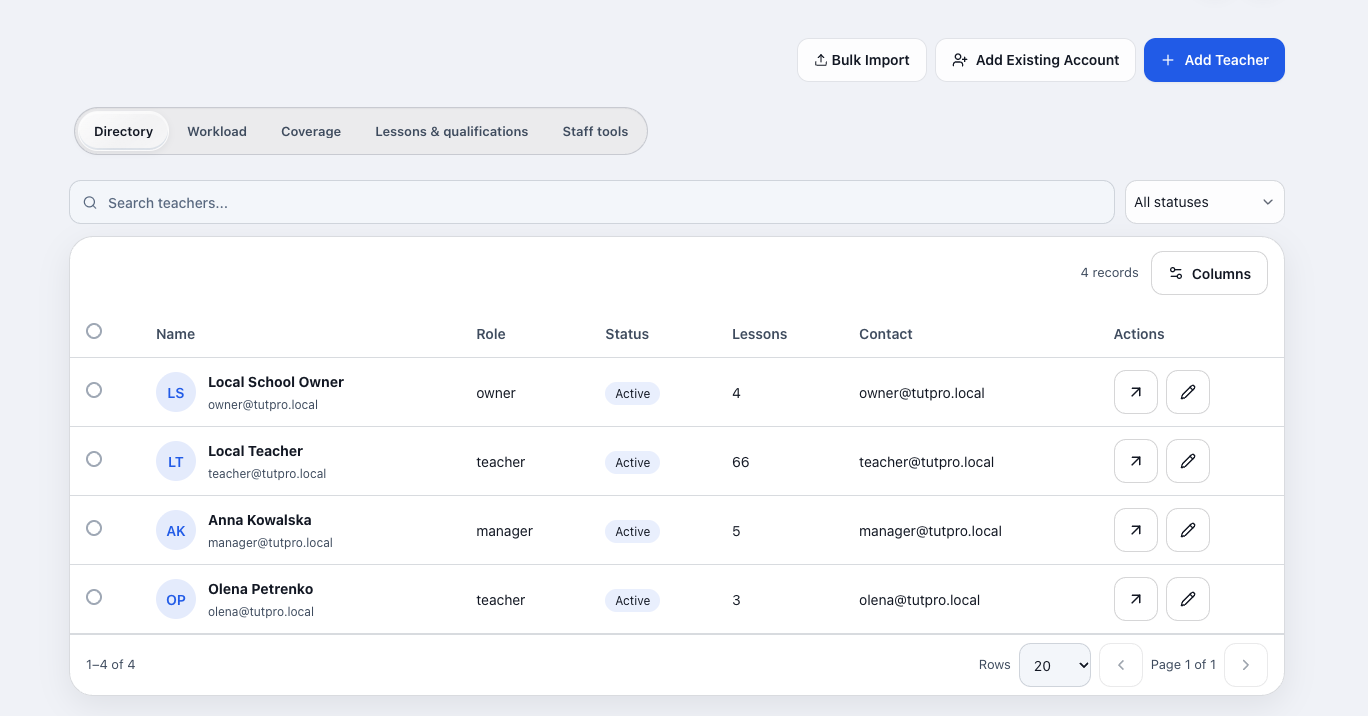
Open Administration → Staff to review teacher profiles, roles, school membership, invitations, workload, and staffing details.
Invite a staff member
- Choose the staff invitation action and enter the account email or select an existing TutPro user.
- Choose the school role and campus scope.
- Review what that role can access before sending the invitation.
- Send the invitation, then confirm its status in the staff list.
An invitation grants only the selected school membership and capabilities. Recheck role and campus scope when the person accepts.
Update staff details
Open the staff profile to review availability, school assignment, status, and contact information. Use the availability manager for working hours or specific unavailable periods. Review the affected schedule after changing availability.
Review workload
Use workload or Reports to compare lesson counts and hours over a date range. Open the relevant schedule entries to verify attribution before acting on a summary.